


WebTextEditor provides a property to enable and disable keyboard support.
In this topic, you will learn how to enable keyboard support.
To enable and disable keyboard support
- Set EnableKeyboardSupport to True in order to enable keyboard support, and vice versa.
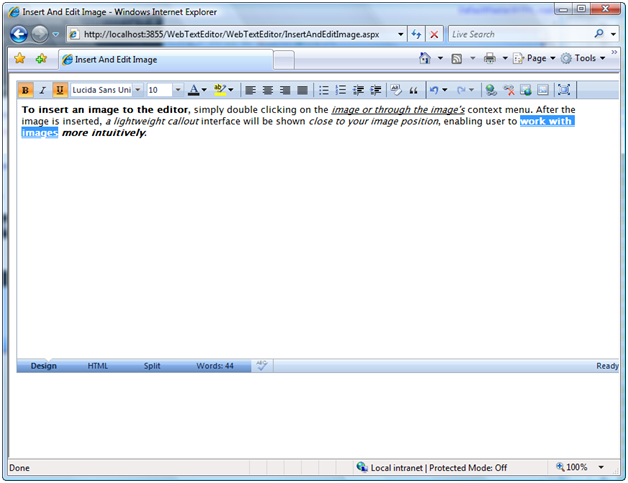
- When you enable keyboard support, you can use keyboard to make the highlighted word to be Bold or Italic or underline.
 See Also
Other Resources
{Enable Keyboard Support}